
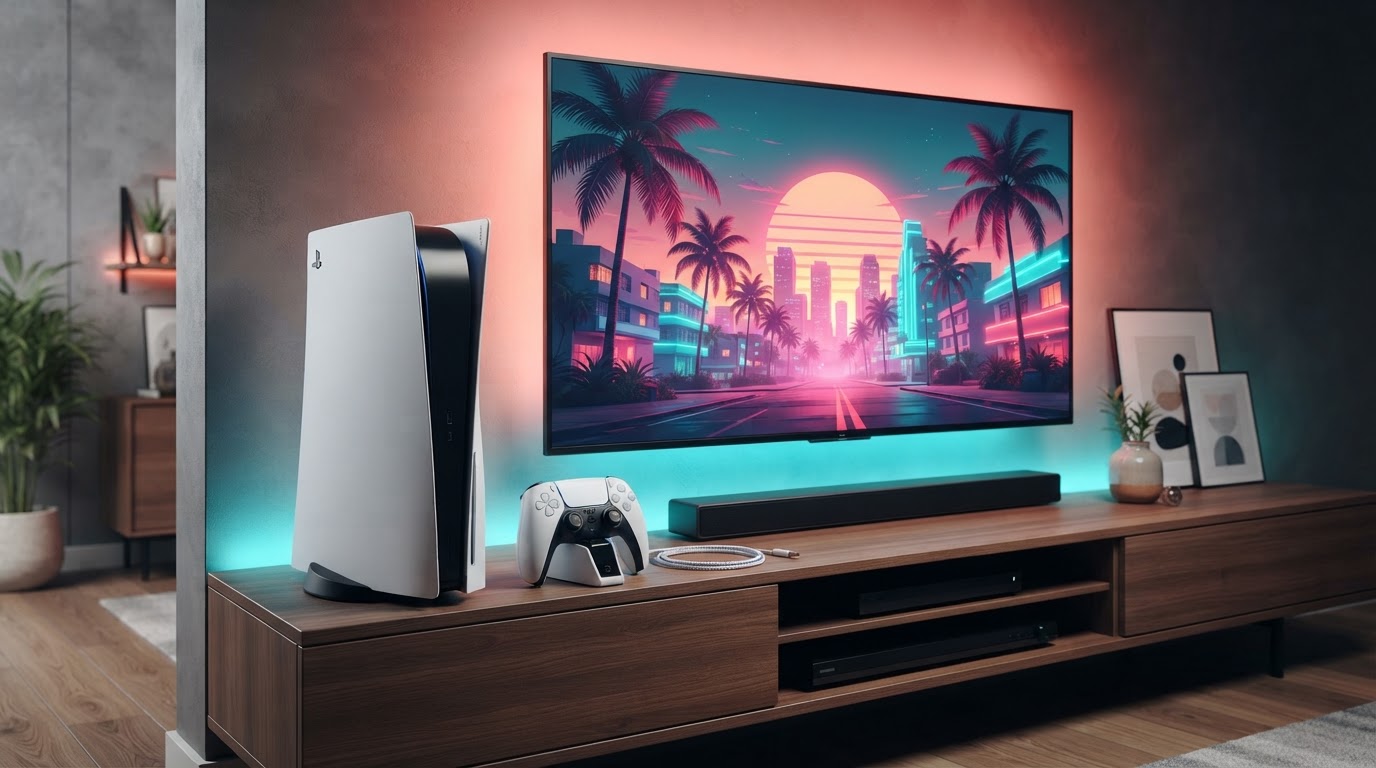
November 19: GTA 6 looks blurry, pixelated or textures pop in — checks
Players on PS5, PS5 Pro and Xbox Series consoles have posted launch-day reports of soft or blurry distant scenery, visible image shimmer or delayed texture loading. Such observations can result from very different causes: the artistic image treatment, motion blur, display settings, an unfinished install, or a genuine rendering issue. A Reddit complaint is not evidence of one widespread hardware defect.
- Check whether your full GTA VI installation and current update have finished. If install data is still queued, finish it before judging texture loading.
- Inspect Settings → Display for motion blur, depth of field and HDR calibration options that actually appear on your build. Compare the same stationary scene with a reversible adjustment before declaring a fix.
- Verify the console’s output resolution and television Game Mode. An upscaled or differently processed image can look softer on some screens even if game rendering is functioning normally.
- If white/untextured buildings or pop-in persist after a normal console restart, document a repeatable scene, game build and exact console model. Avoid resetting saves, turning off console safety protections or installing unsupported third-party files to ‘unlock’ graphics.
What is not confirmed: a universal ‘sharpness fix’ for every PS5/Series S or a gamewide official patch for the November 19 blur reports. Sources: player screenshot discussion, PS5 Pro discussion, Rockstar official settings guide. For color specifically, see HDR calibration.
November 18 Digital Foundry FPS results: PS5, PS5 Pro, Xbox Series X and Series S
Important: These are Digital Foundry’s released-game observations reported by VGC, not Rockstar’s guaranteed minimum frame rates or a promise that future patches will deliver 60 FPS. Rockstar’s stated target remains 30 FPS on the current console releases.
| Console | Observed frame-rate behavior | Reported image/performance detail |
|---|---|---|
| PS5 Pro | Close to stable 30 FPS; one extreme stress test fell to about 24 FPS | Digital Foundry describes consistent frame pacing and stronger presentation |
| Base PS5 | Generally targets 30 FPS with small drops during ordinary city driving and longer sustained drops under stress | More variable frame pacing than PS5 Pro |
| Xbox Series X | Typically around 30 FPS with occasional heavy-scene dips | Internal rendering reported around 1440p in the test |
| Xbox Series S | More regular dips into mid/upper 20s; worst demanding situations around 20 FPS | Digital Foundry estimated roughly 720p internal render with upscaling; reduced lighting/reflection detail |
A statement attributed to Rockstar’s technology production director by VGC says the PS5 Pro cannot run GTA VI at a steady 60 FPS in its current design. Avoid promising an undocumented performance mode, fixed internal resolution across all scenes, or future FSR upgrades. If an individual console is crashing rather than dropping frames, use the crash/launch guide instead.
Sources: VGC PS5 comparison · VGC Xbox comparison · Rockstar statement report. Checked November 18, 2026.
Quick answer: GTA VI launches natively on PS5, PS5 Pro, Xbox Series X and Xbox Series S on November 19, 2026. Rockstar targets 30 FPS on current-generation consoles. PS5 Pro has announced PSSR image-clarity and ray-traced-shadow enhancements; Xbox One can play only through the announced Xbox cloud route. If you already own a supported current-generation console, there is no confirmed need to replace it just to play the story.
Confirmed console comparison
| Platform | How it plays | Confirmed differences |
|---|---|---|
| PS5 | Native installation | DualSense feedback, adaptive triggers, controller speaker and Tempest 3D Audio |
| PS5 Pro | Native installation | PS5 features plus PSSR and exclusive ray-traced shadows |
| Xbox Series X | Native installation | Microsoft describes it as the best native Xbox console experience |
| Xbox Series S | Native installation | Lower-cost native Xbox route according to Microsoft; exact visual differences remain untested |
| Xbox One | Xbox Cloud Gaming | Series S graphics settings streamed over a network; no native installation |
November 18 performance update — independent testing: Kotaku reports Digital Foundry’s launch-build console comparisons, which put the Xbox Series S at approximately 720p versus 1440p on Series X, with reduced texture/detail quality. The target is 30 FPS, but Digital Foundry observed Series S drops to about 25 FPS in ordinary combat or chases and momentary 18–19 FPS lows during especially explosive shootouts. In the same reported tests, Series X and PS5 Pro generally held closer to 30 FPS, with drops in unusually busy scenes. These are specific tested scenarios, not guaranteed frame rates everywhere, and the reported resolution figures should not be interpreted as a promise of fixed output resolution in every mode. This new evidence changes the buying advice: Series S remains a supported budget option, but players especially sensitive to frame-rate drops should compare independent gameplay footage before choosing it. For PS5 Pro details, see our separate performance guide.
Does GTA VI run at 60 FPS on any console?
Rockstar’s November 10 announcement describes a 30 FPS target for current-generation consoles. It does not establish a confirmed 60 FPS performance mode for PS5 Pro or Series X. PSSR and ray-traced shadows concern image quality and rendering, not an automatic doubling of frame rate. See our PS5 versus PS5 Pro guide for the announced enhancements. No independent launch-build benchmark has been performed here.
Do you need a more expensive console?
If your goal is simply to play GTA VI natively, a standard PS5 or Xbox Series S already qualifies. A PS5 Pro may appeal to someone who values the announced visual improvements. Series X is Microsoft’s premium native Xbox option. Rockstar has not released a comprehensive set of resolution, texture, frame-pacing and loading-time comparisons across all models, so do not buy a different console solely on an invented performance ranking.
Storage and physical purchases
All native options require the game to be installed, with Rockstar quoting up to 212 GB of free space depending on device. The physical Standard Edition supplies a download code, so a disc drive does not reduce that requirement. Series S owners should check actual usable space, not the advertised drive capacity. See Series S storage preparation and the full storage guide.
Game prices and subscriptions
As reviewed November 13, the U.S. PlayStation game page and Xbox Store show Standard at $79.99 and Ultimate at $99.99 (Xbox displays starting prices). Xbox lists the separate Ultimate upgrade at $20. These are game prices, not the cost of a console. Cloud play additionally requires eligible cloud access and a separate GTA VI purchase. GTA+ is a distinct membership, not a substitute for the game license. See edition comparison and Xbox cloud costs.
Which option fits your situation?
- Already have a PS5 or Xbox Series X|S: preload on that console unless you have a separate reason to upgrade.
- Choosing PS5 Pro for image quality: the confirmed PSSR and ray-traced-shadow features are the strongest announced differences; wait for measured benchmarks if performance is decisive.
- Own Xbox One only: evaluate cloud eligibility, connection quality and playtime costs before buying a new console.
- Plan to play without internet: PlayStation lists offline play for the installed game; complete initial setup and licensing first. Streaming requires an ongoing connection.
For portable or remote access, compare Remote Play versus cloud gaming. For platform availability including PC and PS4, see the confirmed-platform guide.
Sources and review date
- Rockstar November 10 hardware announcement
- PlayStation official game page and prices
- Xbox Store edition prices and capabilities
- Xbox official console and cloud comparison
Reviewed November 13, 2026. Independent, unofficial GTA VI player guide. Official announcements and platform documentation are distinguished from unverified retail-game performance and behavior.