
November 20 discovery: a hidden first-person camera workaround
New finding: Although standard GTA VI controls do not offer unrestricted GTA V-style walking in first-person, PC Gamer tested a temporary unfinished first-person camera workaround on November 20. It is not a supported Rockstar menu toggle and can show clipping during weapon use or car entry. The normal first-person inspection view described elsewhere in this guide remains a separate feature.
Steps reported by PC Gamer: (1) Open Settings → Controller → Controller Features and map the touchpad/Select control to Camera 2/2. (2) Enter a vehicle. (3) Open your phone using the D-pad. (4) Press Circle on PlayStation / B on Xbox, then quickly press the controller’s touchpad/Select control. (5) Test whether the camera now remains in first-person. Controller labels may differ with presets and firmware; this sequence is reported, not independently tested by The Leonida Scene.
How to exit: PC Gamer says reloading a save resets to third-person; you need not load an older save. Protect progress before experimenting: make a manual save and do not overwrite the only clean slot during any camera glitch. The first-person perspective may clip through character models and behave unpredictably; do not assume Rockstar intended it as a supported feature.
Source: PC Gamer November 20 first-person test. For regular controller operation see classic controls and controller settings.
Quick answer: GTA VI does not include the unrestricted on-foot first-person mode from GTA V in VGC’s launch-build testing. A stationary first-person look is possible with L2 followed by L3 and R3; moving returns the camera to third person.
What to choose or do
| Option | What it means | Practical use |
|---|---|---|
| Traditional first-person walking | Not available in the version tested | You cannot keep this view while moving on foot |
| Stationary first-person inspection | Available | Use L2 first, then press L3 + R3 |
| Aiming down sights / vehicle view | Possible in some contexts | These views are not the same as GTA V-style full first-person |
| L3 + R3 without L2 | Focus Mode | Consumes Focus and reveals nearby clues |
Step-by-step guidance
- 1. Stop the protagonist before trying the inspection view. Do not expect this to behave like a toggle that stays active while walking.
- 2. Hold L2 to focus on a character or zoom in slightly on the environment.
- 3. While holding that setup, click both analog sticks (L3 + R3) to switch to a look-only first-person camera.
- 4. Move the camera to inspect world details. Moving your character ends the effect; return to a standing position to use it again.
- 5. If L3 + R3 activates Focus Mode instead, confirm that you are performing the L2 step first. Follow remapped controls if your game settings differ.
Frequently asked questions
Can I play all missions in first person?
Not according to VGC’s launch guide. The stationary inspection view and certain weapon/vehicle perspectives do not provide unrestricted first-person missions.
Why does the camera snap back when I walk?
That is the limitation VGC documents: movement exits the stationary look view.
Is Focus Mode the same thing?
No. Pressing both sticks alone uses Focus; L2 before that is part of the stationary inspection sequence.
Is there an official future first-person patch?
No verified announcement in the sources checked. We should not promise one.
Related guides
Focus Mode guide · Photo Studio. For new players, visit our Getting Started hub.
Sources, limitations and images
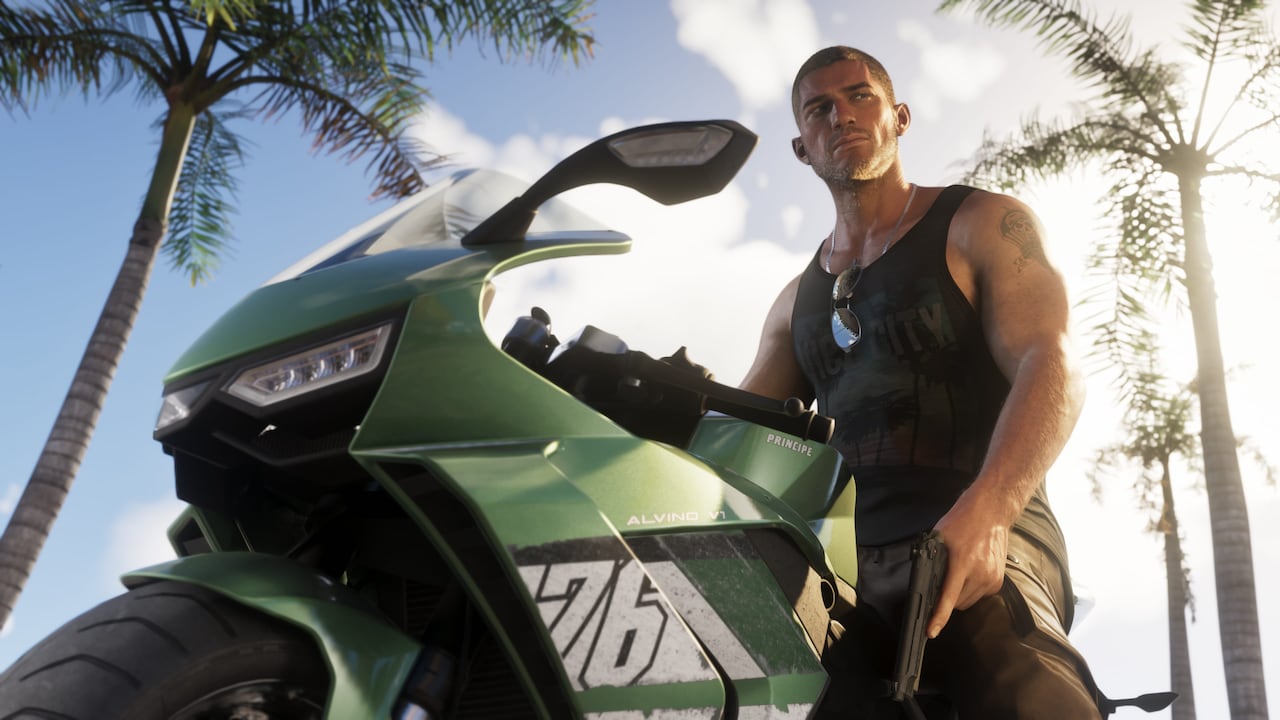
Primary released-game reporting. Reviewed November 18, 2026. Steps reflect attributed published playthroughs rather than independent hands-on testing by The Leonida Scene. Featured imagery is official promotional artwork or a labeled editorial illustration; it is not an actual capture of this exact interaction.