
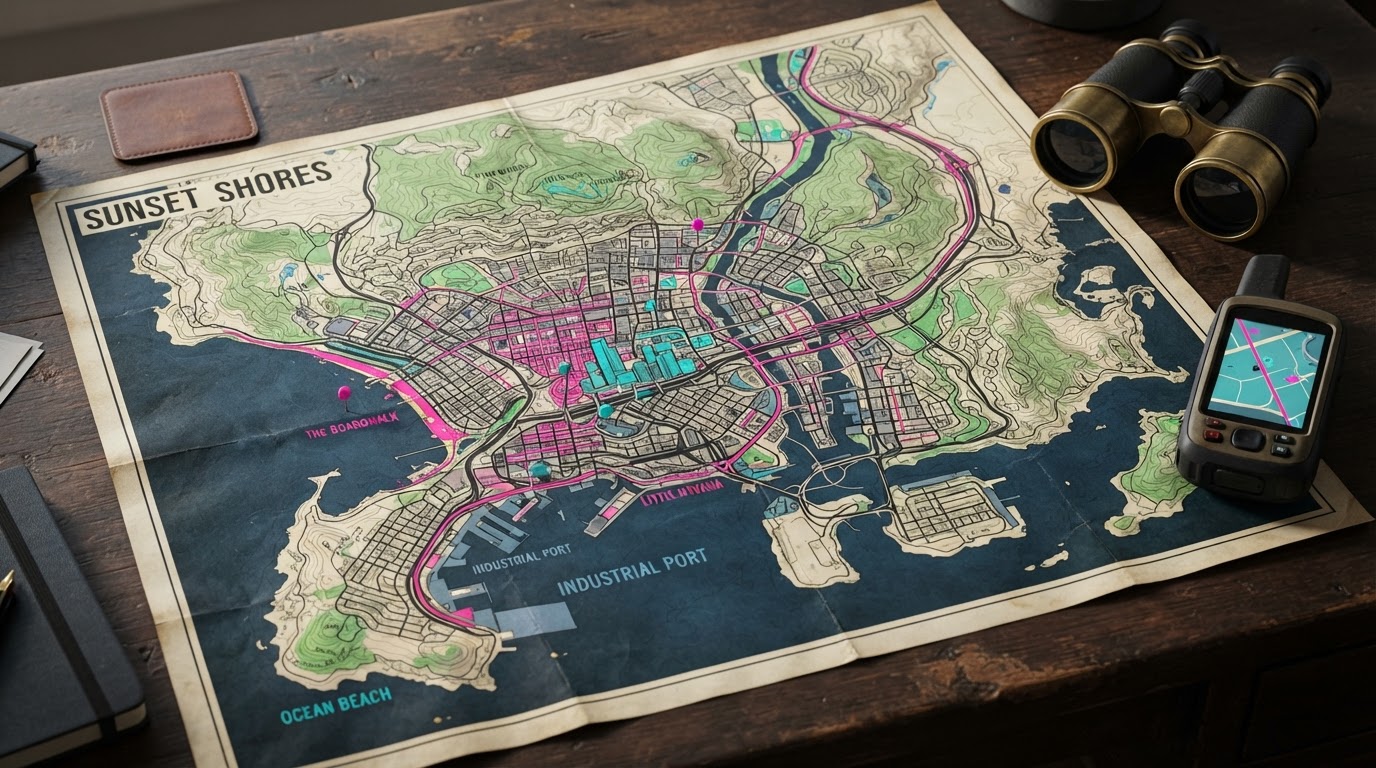
New launch guide: which map buildings can be entered?
VGC’s November 18 GTA VI beginner guide reports that darker-blue map buildings indicate accessible interiors while lighter-blue shading usually indicates an exterior only. The minimap may show white entrance lines as you approach, and Focus Mode can distinguish an enterable from an alarmed door. Our enterable buildings and hidden rooms guide explains the clues and their limitations. Source: VGC.
November 18 retail review: 3D map, filters and minimap choices
Finger Guns’ November 18 firsthand PS5 review describes a 3D map presentation inside the pause menu, selectable filters for story missions, optional missions, stores, vehicles and activities, and an on-screen minimap that may be set to 2D, 3D or hybrid display. The reviewer also reports customizable HUD visibility. This adds postlaunch evidence to the existing map and waypoint guide without creating a competing article for the same map-settings search intent.
- Pause the game and enter the map screen (Finger Guns also reports a separate dedicated map shortcut).
- Filter only the marker category you currently need, such as story missions or vehicle services, to reduce unnecessary map clutter.
- Explore the interface/HUD settings for the available 2D, 3D or hybrid minimap view; use the actual on-screen label for your game build.
- If a mission isn’t marked, check the storybook mission list and the next-mission troubleshooting section, rather than assuming the map is broken.
- No specific slider coordinates, hidden shortcuts or Xbox button remap is claimed here without a direct original gameplay demonstration.
Quick answer: GTA VI’s map helps players navigate and find opportunities such as robbery targets and gang compounds. In IGN’s PS5 developer demo, holding down on the D-pad offered a quick way to set waypoints. Famitsu’s interview also describes a map that provides information about valuables at gang sites. Exact final menus and Xbox controls still need verification.
What the map can tell you beyond your destination
The developer explains that some criminal locations display information about the cash or goods available there. This is useful for choosing a job in the open world. It does not establish a universal loot preview for every building, or a complete list of map markers.
The previewed waypoint shortcut
During IGN’s demo, Nelson describes holding down on the D-pad as a quick way to set waypoints. This is a specific observation from a PS5 developer build, not confirmation of the final default control for both platforms. After release, consult the on-screen control prompts and any accessibility remapping you have enabled.
A marker can depend on what you are carrying
A goods fence in the same demonstration became highlighted with a dollar sign when the characters had jewelry to sell. This suggests the map can present relevant opportunities dynamically. We do not yet have the full final color and icon legend.
Official locations versus community maps
Rockstar has named six major destinations, but promotional material does not establish all roads, region boundaries or precise collectible coordinates. Community-made maps can be useful references for speculation; they should not be treated as verified in-game navigation until the locations can be reproduced.
How to document a useful map route
A dependable route should identify a reproducible start point, actual destination, required story progress and the map marker or landmark visible in the game. If a location is inaccessible at a particular stage, the guide should say so instead of presenting an invented shortcut.
Related guides
November 18: critics describe a three-dimensional Leonida map
The November 18 Finger Guns PS5 review describes GTA VI’s pause-menu map as a three-dimensional presentation of Leonida and Vice City rather than just a flat city diagram. This is firsthand reviewer observation, not a publisher manual containing every filter or controller shortcut. Waypoints, route choices and discovery categories belong in this navigation guide; the separate Photo Studio guide covers photography rather than map controls. We will add exact filter-by-filter instructions only when those controls are verified on a released copy.
Sources and review date
- IGN developer demo: quick waypoints and fence markers
- Famitsu interview: map information and interface
- Rockstar official places
Reviewed November 12, 2026. Independent pre-release guide based on publisher documentation and developer demonstrations, not retail gameplay testing.