
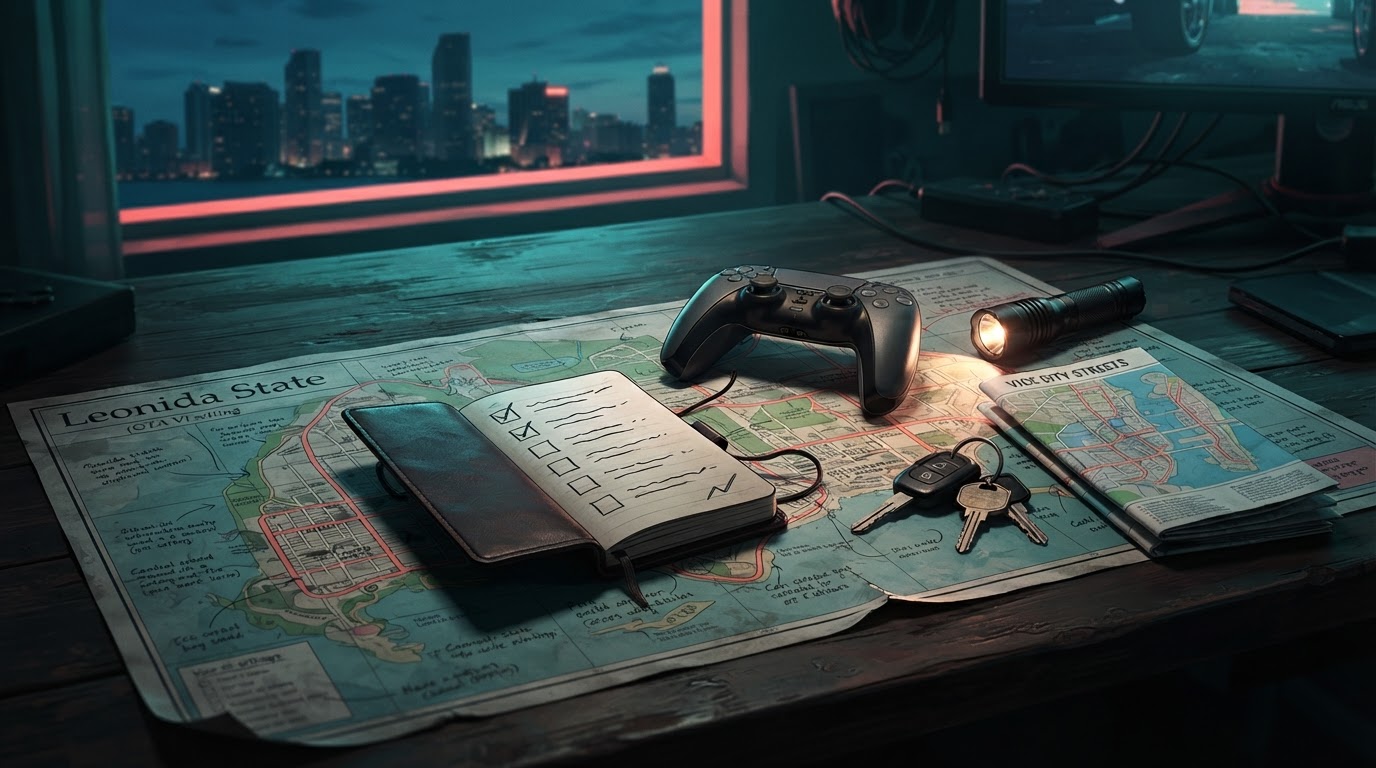
Updated November 20, 2026 — GTA VI is now released. To avoid story spoilers while playing the game at your own pace or waiting for your console copy, filter words on TikTok and X, hide GTA recommendations on YouTube, mute spoiler-heavy Reddit communities, and avoid autoplay thumbnails/comments. No filter blocks every visual or spoken spoiler, so use targeted mission-help pages instead of open-ended feeds when you get stuck.
Quick spoiler-protection checklist for today
- On the social apps you use most, stop following new GTA VI launch clips and pause autoplay/recommendation feeds when possible.
- Add a basic filter list where keyword muting is available: GTA 6, GTA VI, GTAVI, Grand Theft Auto VI, Lucia, Jason, Leonida, story, ending, finale, boss, death, leak, spoiler. This may also hide harmless content; adjust to your preferences.
- Use platform controls to say Not interested, Don’t recommend channel or Mute community where offered.
- Turn off nonessential notifications from GTA-focused creators, gaming communities and stream clips until you finish the story.
- Use specific, spoiler-light help articles for a single mission objective instead of reading full mission lists or watching a ‘complete walkthrough’ video.
YouTube: stop GTA VI videos appearing in recommendations
- From Home or Watch Next, use the video’s three-dot menu → Not interested where available. If the same creator keeps posting spoilers, choose Don’t recommend channel.
- Review or pause your YouTube watch/search history if repeated GTA-related searches keep training the recommendation feed. History controls and labels vary by platform and account.
- Avoid preview thumbnails on the Home feed, Shorts autoplay, livestream previews and comments under official GTA VI footage. These are common sources of accidental late-story reveals.
- If you need a precise task, search its mission name + objective and read just that section. Avoid search results labeled ‘all endings’ or ‘final mission’.
Google’s official YouTube recommendation controls explain the platform’s feedback options. They reduce recommendations but are not a total game-title block.
TikTok: filter GTA VI keywords before scrolling
- Open Profile → Menu → Settings and privacy → Content preferences, then find the current Filter video keywords option if available.
- Add GTA VI names and terms such as ending, death and finale. Select any relevant feed scopes the current app permits.
- If a clip slips through, press and hold it or use its menu and select Not interested.
- Remember: a video can spoil an event through its image or audio even when its caption contains none of your blocked words.
TikTok’s official recommendation explanation discusses why videos appear in feeds. A keyword filter is imperfect; avoid autoplay feeds for maximum protection.
Reddit: mute communities, not just spoiler tags
- Visit any GTA VI subreddit that is surfacing late-game posts and use its community menu to choose Mute when available.
- Temporarily leave especially spoiler-heavy communities; muting or leaving is reversible after you finish the story.
- Do not rely on Reddit’s spoiler tag alone. A poorly phrased title, unblurred image or preview comment can reveal a major event.
Reddit’s community-muting guide describes how muting influences recommendations and home feeds.
How to get mission help without reading the full story
Start with our Problems & Fixes hub if the game is frozen or an objective will not register, or the Missions & Walkthroughs hub for a known mission. Open the exact guide and stop at the first solved step. Use our spoiler-light beginner guide if you are only in the first hours. This is more reliable than autoplaying a full chapter recap.
FAQ: can I fully prevent GTA 6 spoilers?
No platform-wide setting guarantees complete protection. Keyword filters match text inconsistently and may not recognize a plot twist depicted visually. For a spoiler-sensitive player, the safest practical choice is to avoid video recommendations and public comment threads until ready.
Sources and review date
YouTube recommendation controls · TikTok recommendations · Reddit community muting. Updated November 20, 2026. Interface labels and available filters can change, and this article does not promise that third-party algorithms will suppress all spoilers.